Enforce module boundaries with no-restricted-imports
Define module boundaries in your project by restricting specific imports using ESLint's no-restricted-imports rule. The rule allows you to prevent certain...
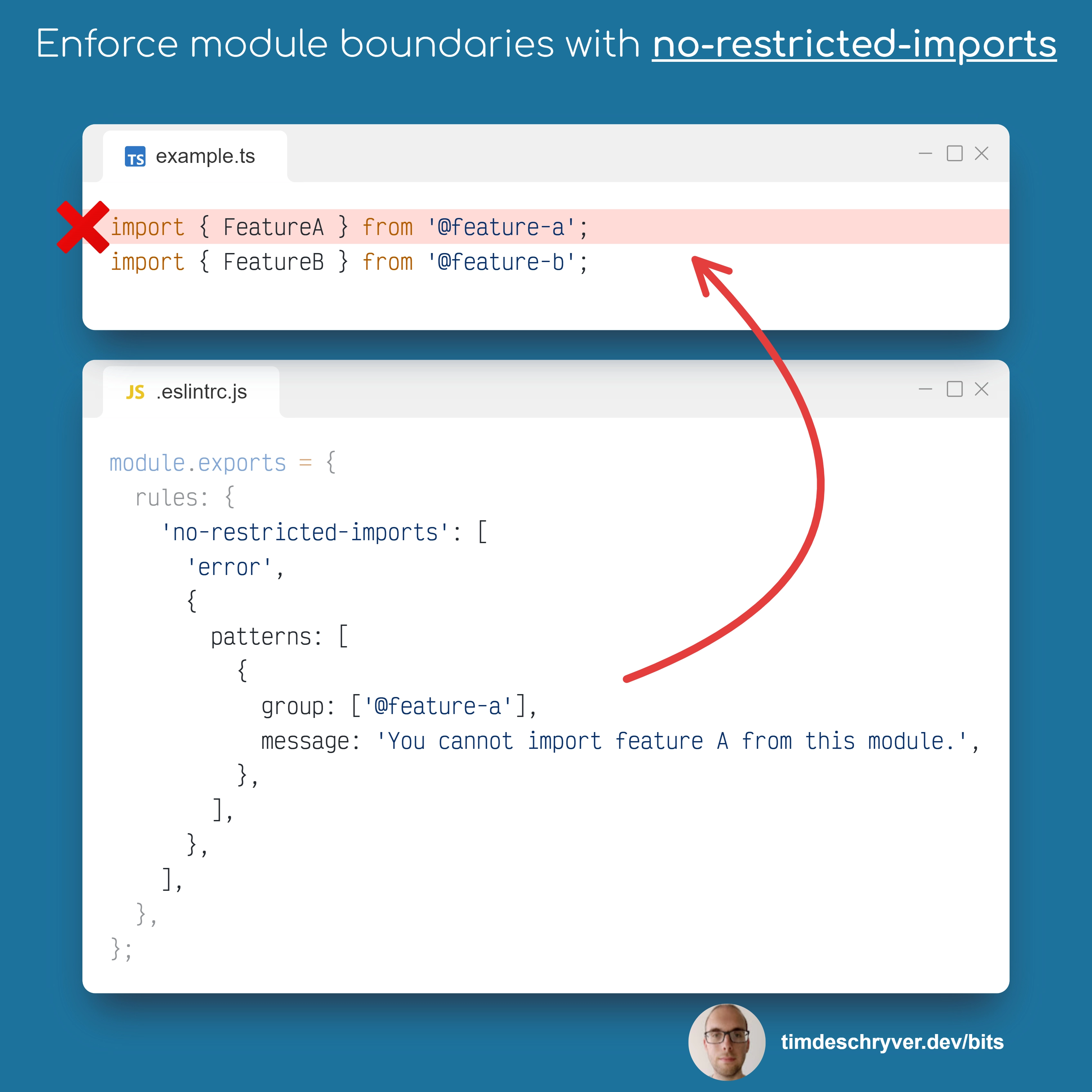
Define module boundaries in your project by restricting specific imports using ESLint's no-restricted-imports rule.
The rule allows you to prevent certain modules from being imported in specific files or directories.
From an architectural point of view this is useful to enforce module boundaries e.g. to prevent feature A to be imported within feature B, or prevent circular dependencies between modules.
There are also some alternative tools that allow you to define module boundaries such as Sherrif or Nx. If you're already using these tools, I think it's better to stick with them as they provide more flexibility and features. However, I find the ESLint approach to be straightforward and the easiest to configure, and it doesn't require an additional dependency.
For more information about the ESLint rule, refer to the official ESLint documentation, or the TypeScript-variant at the TypeScript ESLint documentation. If you're using Biome, see the Biome documentation.
.eslintrc.js
Feel free to update this developer bit on GitHub, thanks in advance!